
AI and software subscriptions
Check whether you are paying for a membership, API usage or a team plan. These can use different billing systems, so successful membership payment does not confirm API acceptance.
No pages match the current filter.
PIKABAO provides secure, efficient, and compliant virtual cards and online payment services for AI/SaaS subscriptions, ad campaigns, cloud services, OTA, overseas shopping, and cross-border payments. — Cards from $1, choose by scenario, transparent pricing, published fees
Licensed upstream issuer · 138 platforms tested · AI merchant approval rates disclosed
 Cursor
 Grok
 TikTok
 Twitter (X) Ads
 GoDaddy
 Namecheap
 Cloudflare
 GitHub
 Amazon
 Booking
 Grab
 eBay
 ChatGPT
 Claude
 Facebook Ads
 Google Ads
 Taobao
 Netflix
 Spotify
 YouTube Premium
 Apple ID (US)
 App Store (US)
 iCloud+ (US)
 Nord
 Surfshark
 Starlink
 Bitly
 RocketReach Cursor Grok TikTok Twitter (X) Ads GoDaddy Namecheap Cloudflare GitHub Amazon Booking Grab eBay ChatGPT Claude Facebook Ads Google Ads Taobao Netflix Spotify YouTube Premium Apple ID (US) App Store (US) iCloud+ (US) Nord Surfshark Starlink Bitly RocketReach
 OpenRouter
 Manus AI
 Windsurf
 Qoder
 HuggingFace
 Midjourney
 Gemini Advanced
 Perplexity
 GitHub Copilot
 Notion AI
 Runway
 ElevenLabs
 DeepL Pro
 Replit
 clickadu
 ExoClick
 Douyin Live HK
 LinkedIn Ads
 Reddit Ads
 Snapchat Ads
 Pinterest Ads
 Namesilo
 Dynadot
 Spaceship
 AWS
 Vultr
 Contabo
 Hostinger
 OVHcloud
 BandwagonHost OpenRouter Manus AI Windsurf Qoder HuggingFace Midjourney Gemini Advanced Perplexity GitHub Copilot Notion AI Runway ElevenLabs DeepL Pro Replit clickadu ExoClick Douyin Live HK LinkedIn Ads Reddit Ads Snapchat Ads Pinterest Ads Namesilo Dynadot Spaceship AWS Vultr Contabo Hostinger OVHcloud BandwagonHost
Methodology: approval rates after excluding user-side causes and platform policy blocks. Figures come from real settlement data, not lab tests; the full methodology is public and archived by period.
Methodology and data details: Overseas Platform Payment Compatibility → (full methodology, machine-readable data, and period archives)
From picking the right card, to seeing the cost clearly, to every record after you pay. What you care about, explained one by one.
AI subscriptions, ad delivery, cloud services and overseas software each set different requirements on card region, 3DS / AVS and transaction behavior. Match the card family to the use case, before you reach checkout.
•••• •••• ••••
Check the merchant · confirm the card region · issue as neededCheck whether you are paying for a membership, API usage or a team plan. These can use different billing systems, so successful membership payment does not confirm API acceptance.
Check the ad account currency, billing region and supported card networks. Allow for both automatic payment thresholds and any initial verification hold.
Distinguish fixed subscriptions from usage-based bills. Review renewal dates, expected usage and available card funds before the next charge.
Confirm the merchant accepts the selected card BIN and any required 3DS authentication. Use the name and billing address displayed in the card details.
A card BIN, the first 6-8 digits of the card number, identifies the issuer and its region. Pikabao offers card BIN options for the United States, Hong Kong, Japan, Singapore and other regions, so you can choose for AI subscriptions, ad spending or local purchases. Check the issuing region, card network and merchant requirements before choosing a BIN, rather than relying on one card for every payment.
Visa and Mastercard are card networks; the United States, Hong Kong, Japan and Singapore are issuing regions. One attribute does not determine the other.
A BIN identifies an issuer and issuing region. It does not guarantee acceptance: merchants may also check the card type, account region and billing information.
Check whether the merchant requires a locally issued card and whether its account region must match the billing region. A local currency alone does not establish a local-card requirement.
Compare the issuing region, network, authentication support, usage restrictions and issuing fee shown before confirmation. Available BINs follow the current issuing page.
Fee items and conditions are stated before you act. Distinguish account deposits from card funding, and check the applicable rules before confirming.
Depositing funds into your account and transferring them to a card are separate steps. Check the fee, credited amount and available card balance at each step.
The issuing fee does not include spendable card funds. Budget for issuing, card funding and the merchant charge; keep enough available funds for subsequent renewals.
A merchant refund, returning card funds to the account and withdrawing account funds to your own wallet are different processes. Review the relevant conditions and fees before requesting one.
Some BINs apply a fee to failed payments under published conditions. Currency conversion, merchant taxes or wallet network charges may also affect total spending; check the applicable breakdown.
Account top-ups, transfers to cards, spending, refunds and failed authorizations are shown separately. When something is pending or fails, check the record first, then reconcile the balance change.
If an account deposit has arrived but a payment still fails, check whether funds were transferred to the card. An account balance is not the same as the available card balance.
Compare the merchant, time, currency, amount and last four card digits. For deposits awaiting credit, also keep the network and transaction hash for review.
A pending authorization can reserve funds without being a completed purchase. Check the status and available balance together rather than treating every balance change as settled spending.
A merchant approving a refund does not mean the card has already been credited. Track merchant confirmation and the card record separately, and submit discrepancies through official support.
Pre-authorizations may temporarily hold a balance and are not the same as completed charges. Small test payments and bursts of failed authorizations may trigger risk controls; card region, billing-address checks and 3DS requirements also limit where a card can be used.
Confirm the card is not frozen or expired and that its available balance covers the charge, taxes and any verification hold. Check whether existing holds have reduced the available amount.
AVS checks billing details; 3DS is a separate authentication process. If the merchant requires authentication that the selected BIN does not support, repeated attempts will not resolve the mismatch.
Keep the exact error message and check whether an authorization record exists. Correct the identified issue before another attempt; avoid repeated submissions without new information.
A different card cannot override merchant policy or account-level restrictions. If the reason remains unclear, use the troubleshooting guide or request a review before issuing more cards.
PIKABAO virtual credit cards can be assigned to long-term subscriptions, ad spending and everyday use. Separate purposes make spending, limits and renewal details easier to review. When an issue occurs, identify the relevant card and merchant before assessing its scope.
Separate long-term subscriptions, ad spending and cloud resources where independent records or limits are useful. Services with compatible requirements can share a card when separate accounting is unnecessary.
Set card limits for the relevant budget and keep track of renewal dates. Before replacing or closing a card, update payment details for subscriptions that still need to continue.
The standard card-slot limit is 5; advertising users can request an increase to 30. Every card that has not been closed counts, including frozen or inactive cards. Only completed closure releases a slot.
Freezing a card does not cancel a merchant subscription and does not release a card slot. Complete merchant cancellation and any pending settlement before closing an unused card; separate cards do not guarantee risk isolation.
Use the tutorials for standard operations, the troubleshooting guide for failed payments, and support for account issues or records that need review. Each route has a distinct purpose, so you can choose the right help instead of submitting the same issue everywhere.
Use the self-service entry and tutorials for issuing, funding, freezing and viewing card information. If you are unfamiliar with a step, check the guide before submitting it again.
For a declined payment, start with the error and transaction record. For account restrictions, unexplained balance differences or information that needs review, contact official support.
Include the merchant, transaction time, currency, amount and last four card digits, plus the error message. For a missing deposit, include the network and transaction hash; redact sensitive screenshot fields.
Never send passwords, full card numbers, CVV codes or verification codes. Requests can be submitted around the clock; response and resolution times depend on the issue and any required upstream review.
From one subscription to a whole business. Find your scenario and get the payment arranged.
AI creation, code development, team collaboration.
We arrange the payment for the overseas tools you use every day.
Multiple platforms, multiple accounts, a card per purpose — up to 30 unclosed cards for advertising users after an approved increase.
Every ad payment, easier to reconcile.
Domains, servers, cloud resources and dev tools —
arrange payments and renewals for your infrastructure in advance.
Flights, hotels, overseas e-commerce and other compliant online payments.
Pick the card that fits your actual spending.
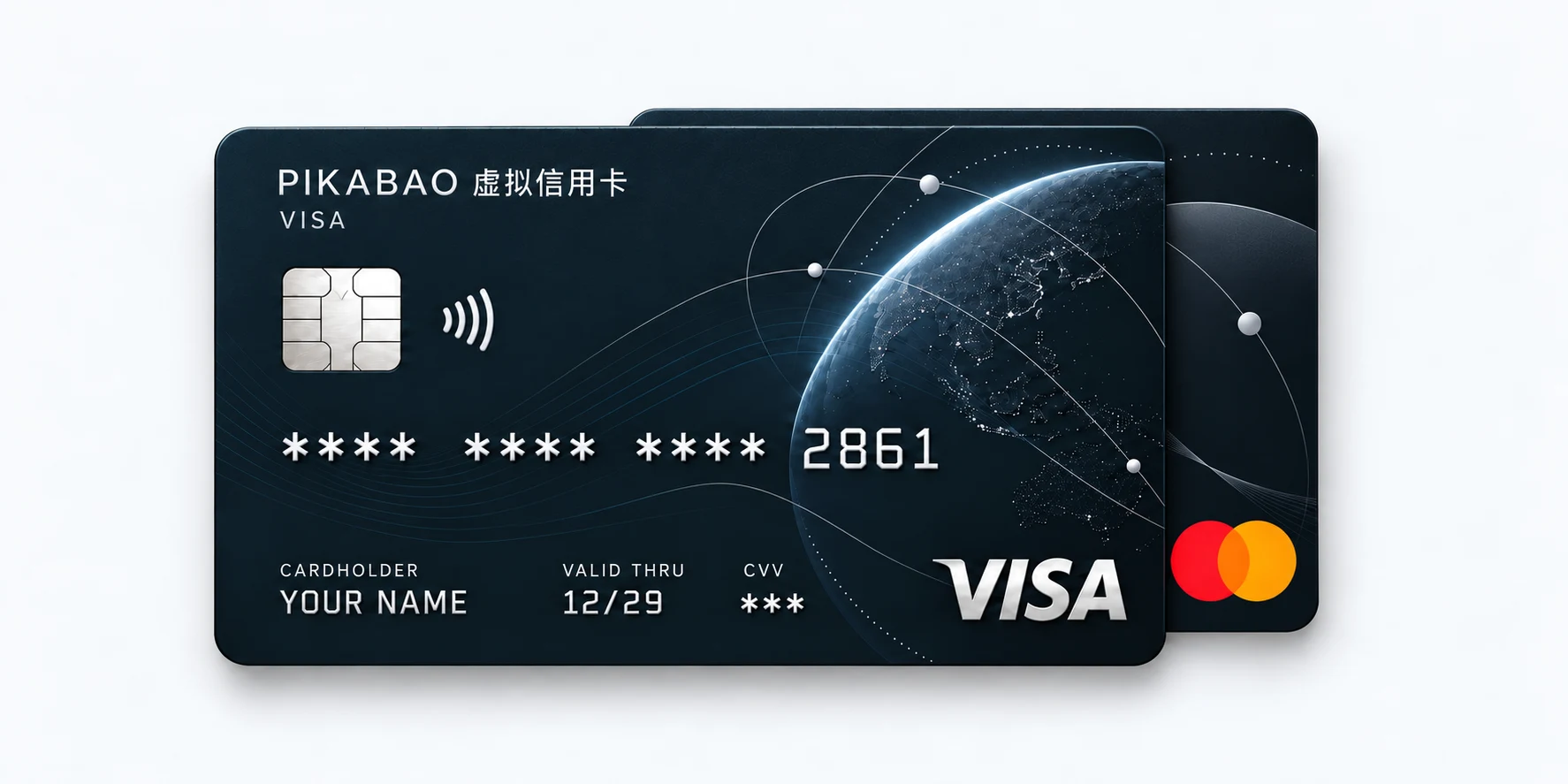
Platform names are used to describe scenarios. Actual support and payment terms are subject to the specific card segment and merchant rules. Cards and interfaces shown are conceptual illustrations.
Understand the card type first, then find the card that fits by issuing region.
Everyday online payments,
start with the right card.
•••• •••• •••• 1024
VISAFrom subscriptions to business payments,
matched to how you pay.
•••• •••• •••• 2048
Mastercard•••• •••• 1024
UNITED STATESFor AI / SaaS and overseas business payments
•••• •••• 2048
HONG KONGFor local Hong Kong scenarios and HK subscriptions
•••• •••• 3941
JAPANWhere JP content and platform charges draw the line
•••• •••• 5130
SINGAPORELocal payment scenarios in Southeast Asia
From issuing a card to adding funds, fees are clearly explained. Issuing fees, monthly fees, account deposits and card top-ups are listed separately, so you can understand the costs before you act and budget for what you need.
| Fee item | Rate | When it applies and what it covers |
|---|---|---|
| Card issuing | From $1 / card | Charged when you issue a card, with the exact price shown before submission. This does not include the card balance; set aside funds for the initial top-up too. |
| Monthly fee | $0Free | No monthly charge for holding a card, even when it is idle. |
| Account deposit | $0Free | Add USDT to your account with no platform account-deposit fee. Funds enter your account first, then move onto a card as needed. |
| Card top-up | 3% | Charged on the amount moved from your account onto a card. This fee applies to top-ups, not an extra 3% on every purchase. |
Compare card types and fees, explore payment scenarios, and find guides and troubleshooting advice.
Choose a card and check the budget first.
Find your use case, then follow the steps.
Explore AI subscriptions, ad campaigns and cloud services, including their payment conditions.
Explore payment scenarios FLOW GUIDEFollow registration, top-up, card issuing and your first payment, then learn card management.
View step-by-step guidesCheck a problem or understand the rules.
61 questions grouped by topic, covering failed payments, top-ups and account issues.
Find questions and answers COMPLIANCEReview the operating entity, fund flow and compliance information, including service boundaries.
View compliance and securityA three-dimension comparison across "overseas AI & ad-account debits", "cost structure" and "risk control & compliance". This is a general comparison, not an endorsement; always confirm capability and fees against each platform's live rules.
This is a general overview, not a recommendation of any alternative; for specific scenarios and costs, always refer to each platform's live pages. Dataset revised:
Card linking and charging involve different checks. Compare four stages of a Claude API payment with card records to investigate a failed charge.
8 min read View case → Case Study · ReviewCompare four AI subscription failure patterns by symptoms, card records, handling parties and costs. Distinguish authorization holds from completed charges.
9 min read View case → Case Study · ReviewMatch merchant orders, bills, card transactions and notices after a Claude or ChatGPT failure. Compare amount, time, merchant and status before acting.
6 min read View case →Six editor-picked must-reads on platform comparison, subscription billing, bill reconciliation, and ad top-ups. See everything on the blog home page.
Compare provider operating status, exit rules and usage limits before card, holding and funding costs. Closed-provider historical rates are not current quotes.
11 min read Read article → Mainstream SubscriptionsChatGPT Plus, Pro and API usage have separate billing channels. Compare plan benefits, purchase channels, payment records and cancellation options.
7 min read Read article → Mainstream SubscriptionsCompare Claude Pro and Max usage allowances and billing cycles. API funds are separate; confirm payment, renewal and cancellation status.
7 min read Read article → AI ToolsCompare a $20 Traecode price with a $20.5 charge using bill tax lines and transaction records. Merchant charges and card-funding costs are separate.
6 min read Read article → Ads TutorialsSet up Google Ads, check eligibility, payment mode and card attributes, then verify the first payment. Illustrations do not guarantee account or payment approval.
11 min read Read article → Pain-point TroubleshootingFacebook ad funding declines can involve card acceptance, merchant category, funds or account limits. Match platform notices with card records before changing cards.
8 min read Read article →